
Book Catalog
Your books. Your library.

Scan a shelf
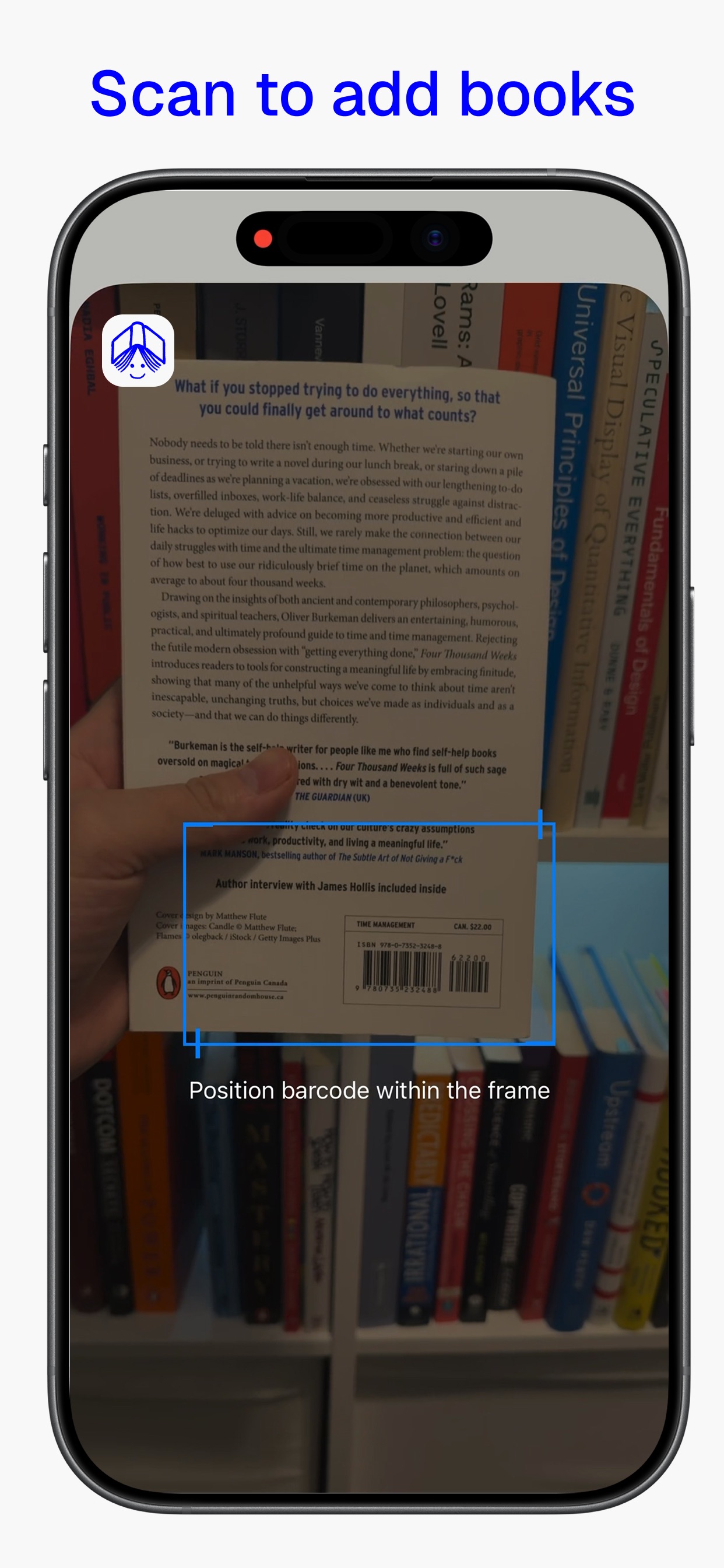
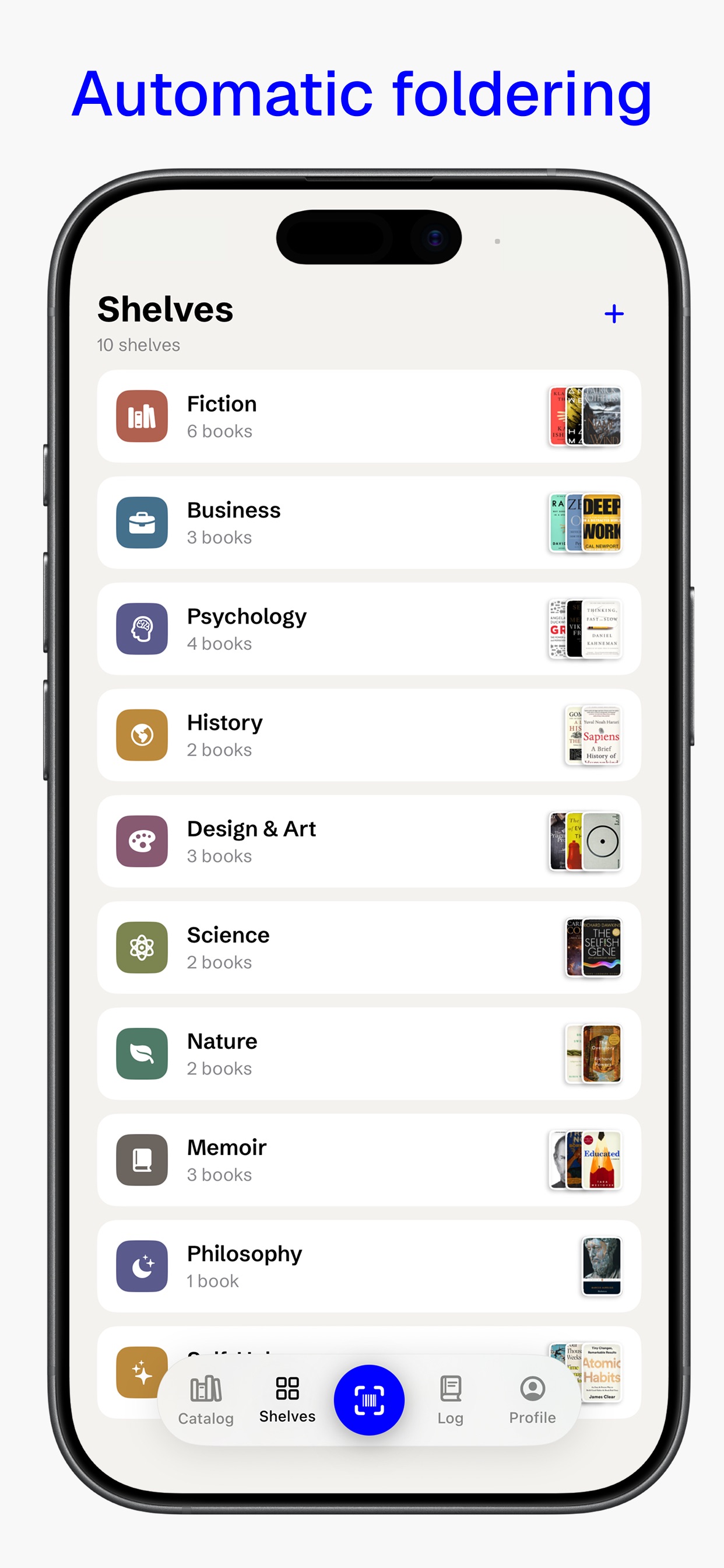
Point the camera at a barcode and the book files itself, cover and all. Keep going down the shelf without stopping.
Know what you own
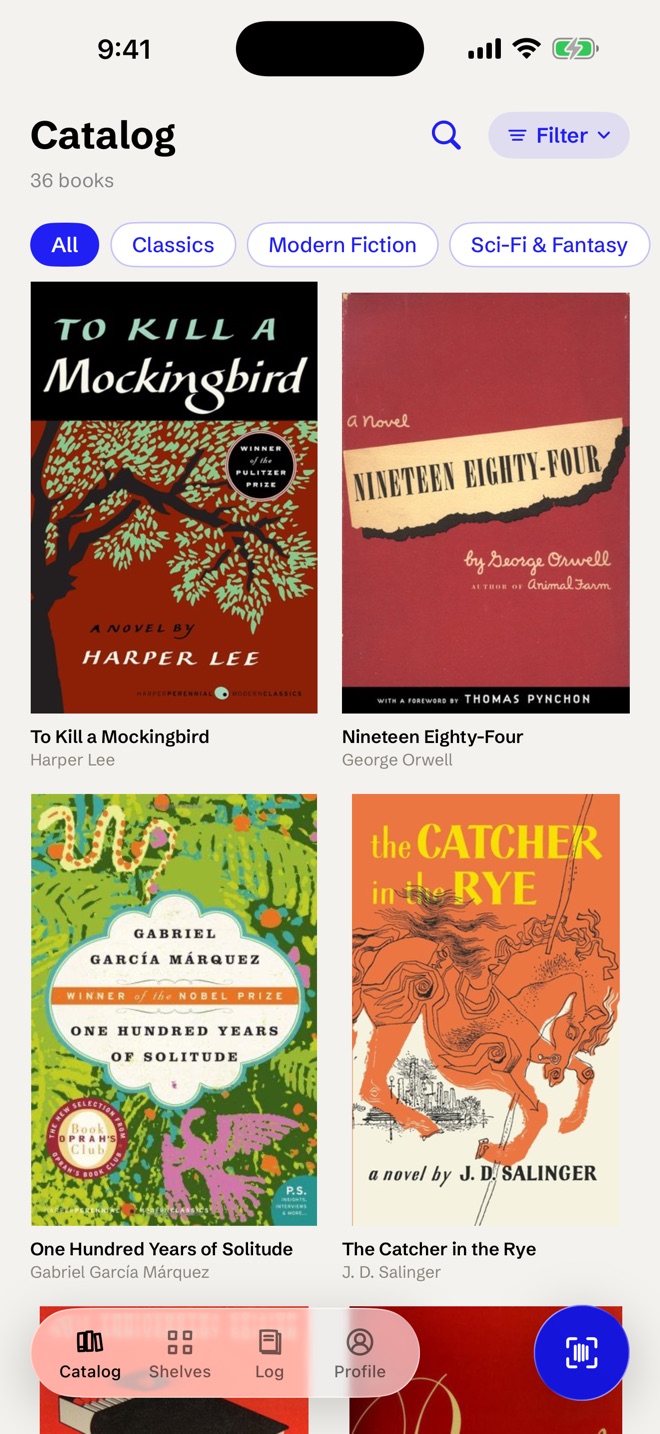
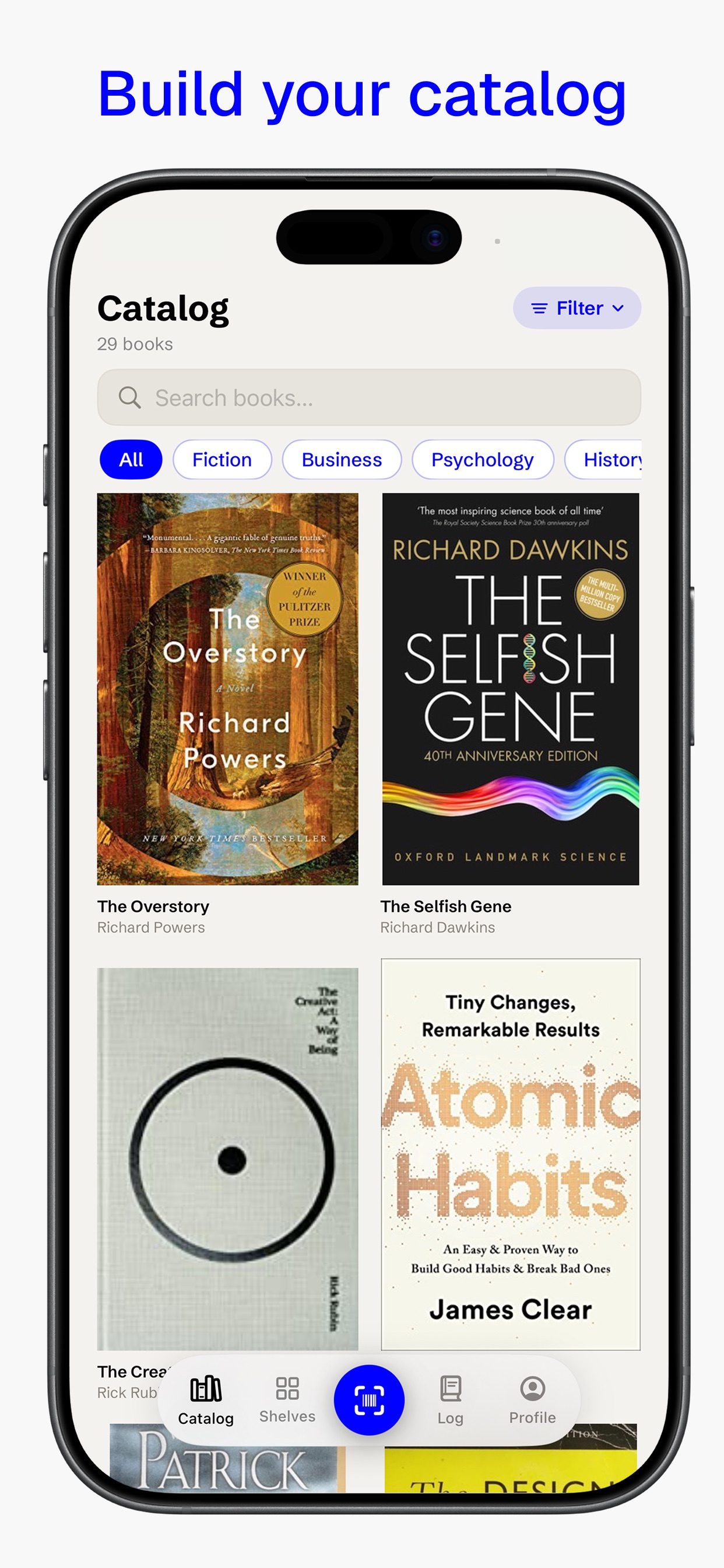
Search by title, author or ISBN, or from Spotlight, before you buy the same book twice.
Lend and get it back
Note who borrowed a book and when it's due back.
See what you've read
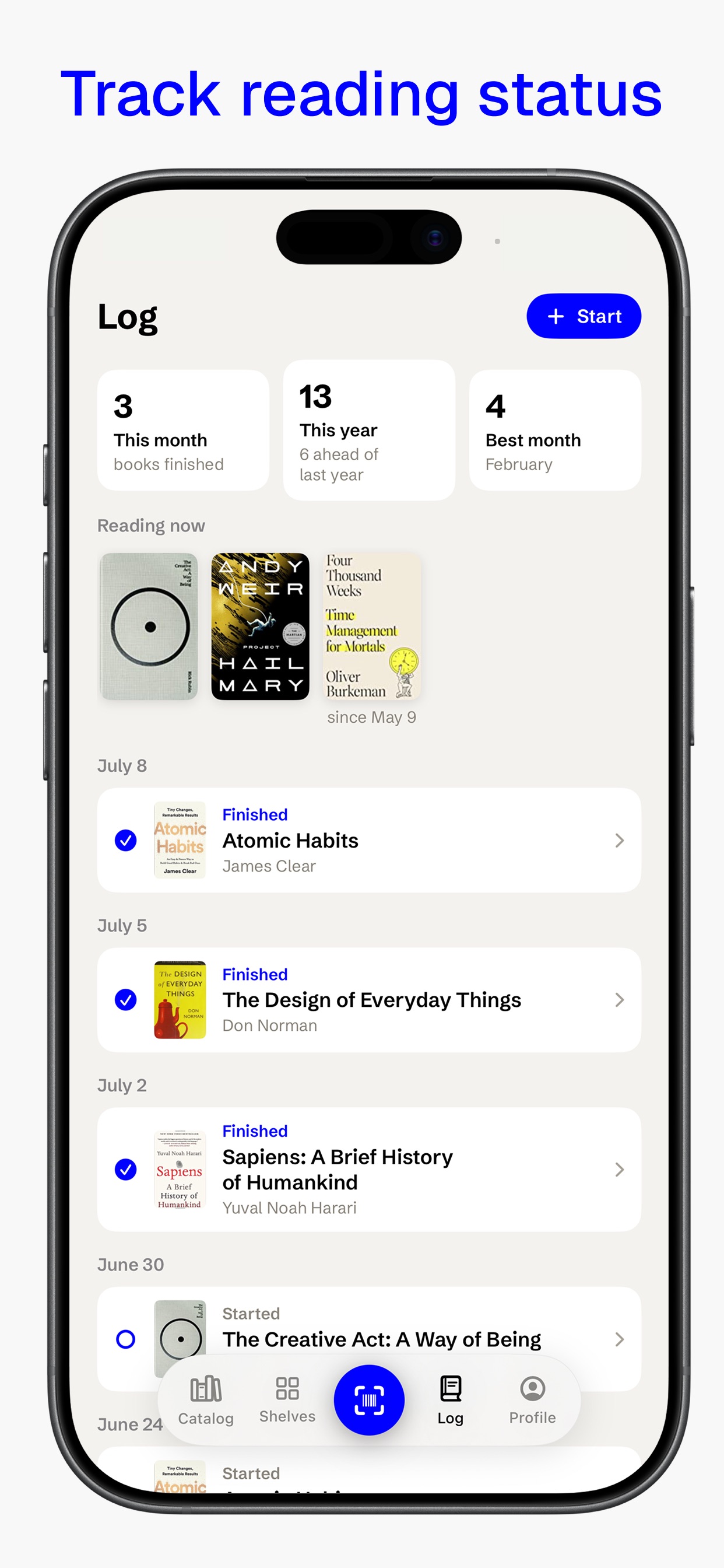
Mark your place, keep a list of what's next, and look back on your Year in Books.
Questions
How do I catalog my books on iPhone?
Open Book Catalog and point the camera at a book's barcode. It fills in the cover, title, author and ISBN from Google Books and files the book on a shelf. You can keep scanning down a shelf without stopping between books.
Can I check whether I already own a book while I'm in a bookstore?
Yes. Search your catalog by title, author, publisher or ISBN, or from Spotlight, and the book shows up if it is on your shelves.
Can I import my Goodreads library?
Yes. Book Catalog imports a Goodreads export with status, ratings, dates and shelves, and it exports your whole catalog to CSV at any time.
Does Book Catalog need an account?
No. Your catalog syncs across iPhone and iPad with iCloud. There are no ads and no social feed.
Is Book Catalog free?
You can catalog up to 50 books free. Book Catalog Pro is a one-time purchase for an unlimited library, and there is no subscription.
Can I track books I lend out?
Yes. Record who borrowed a book and when it is due back, along with edition, condition, location and signed copies.
Book Catalog
Your books. Your library.